

Overview
The Owem dashboard allows you to manage your account, monitor transactions, configure webhooks, and more. This guide presents the main available features.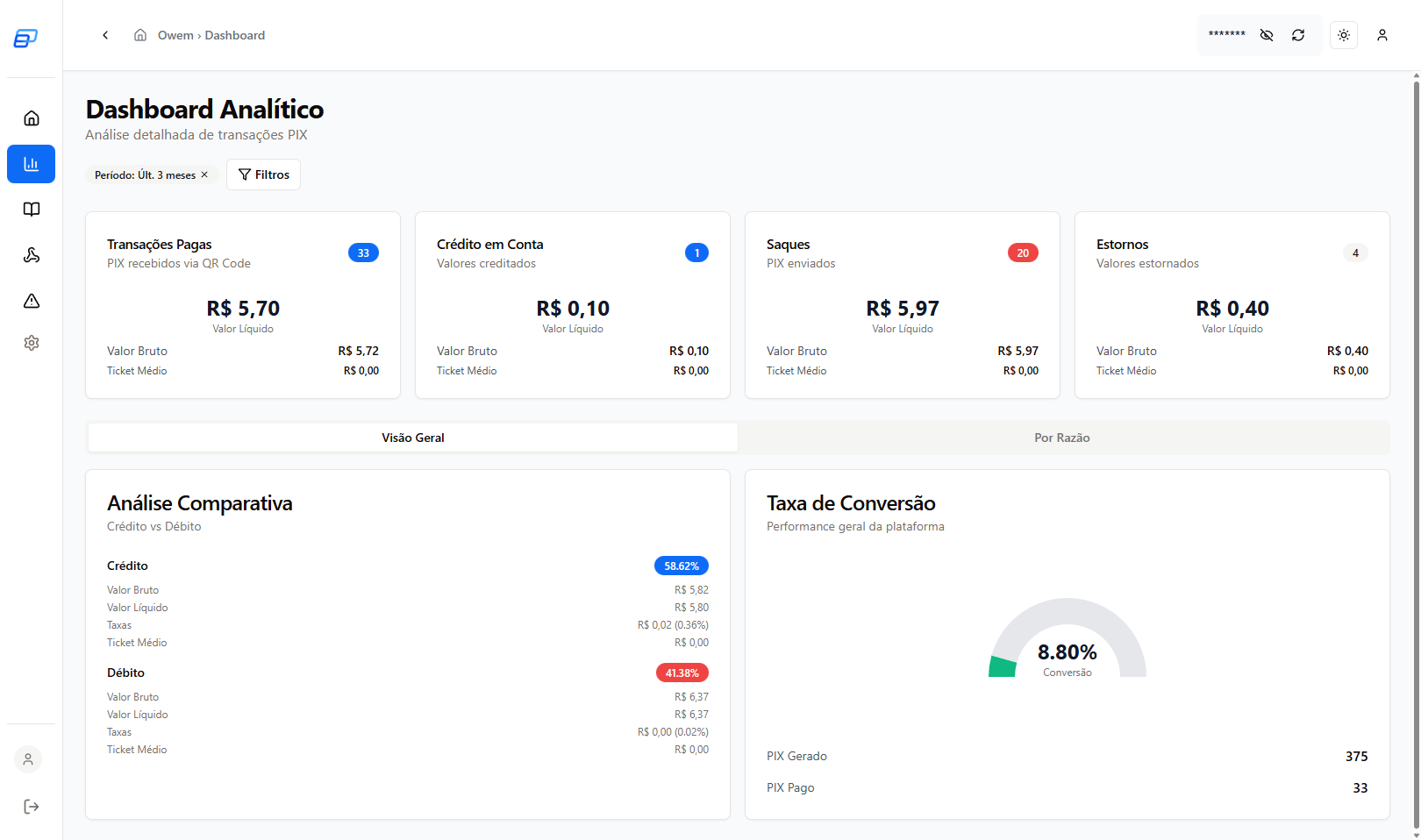
Bank Accounts
View and manage your registered bank accounts on the platform.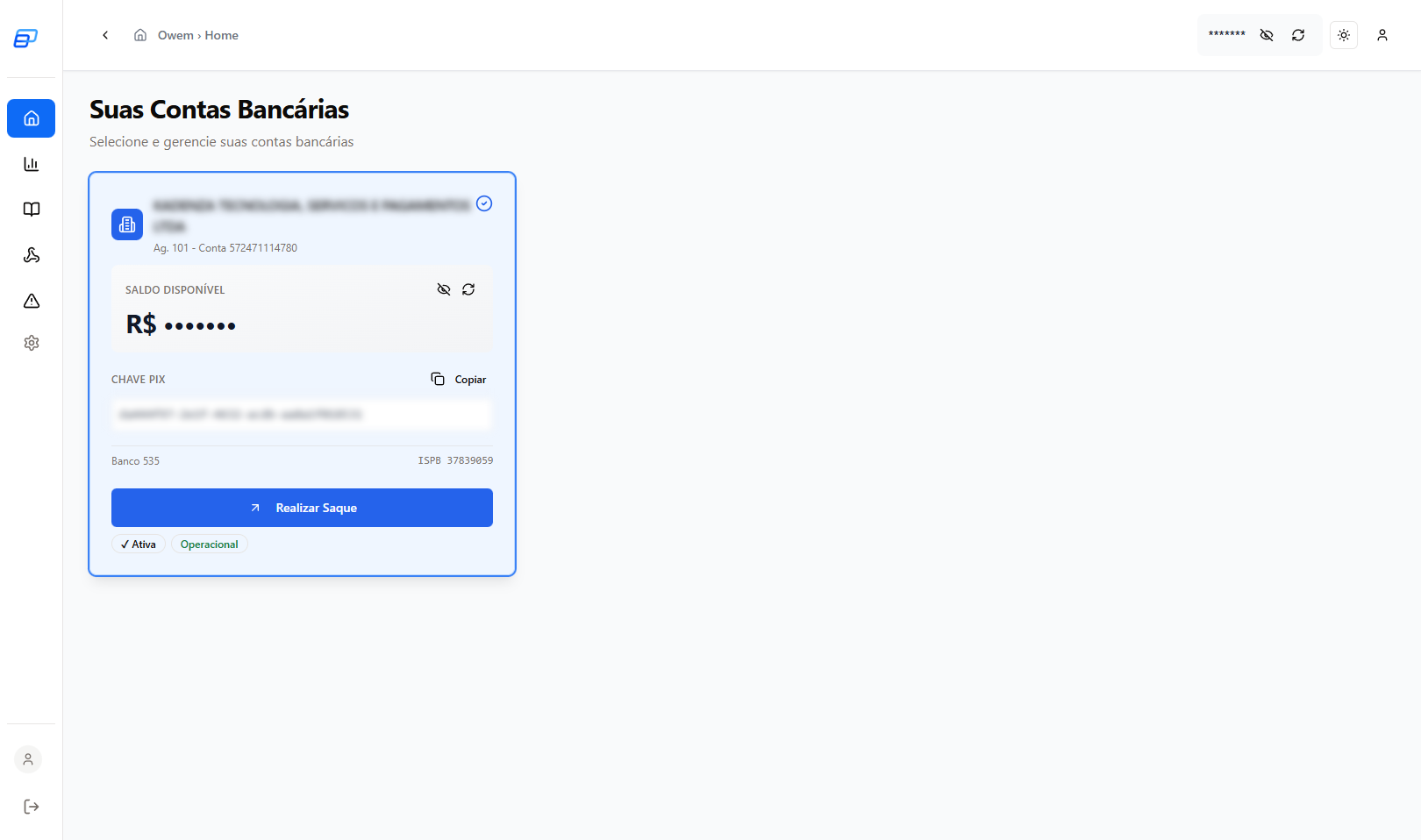
Features
- View available balance
- See transaction history
- Access account data for integration
Withdrawals
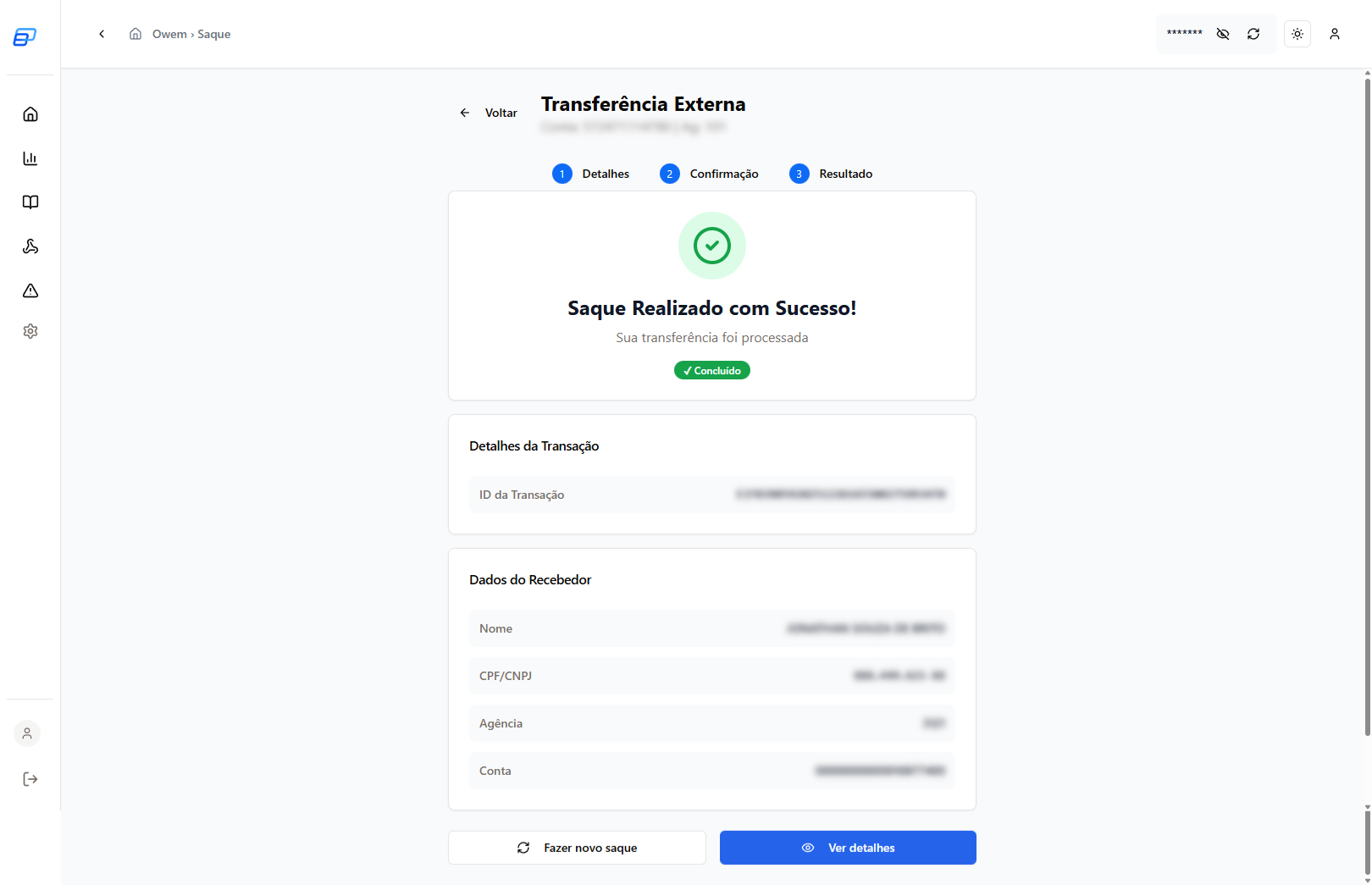
Make withdrawals from your Owem account to external bank accounts.

Details in Ledger
After the withdrawal, you can view the complete details in the Ledger: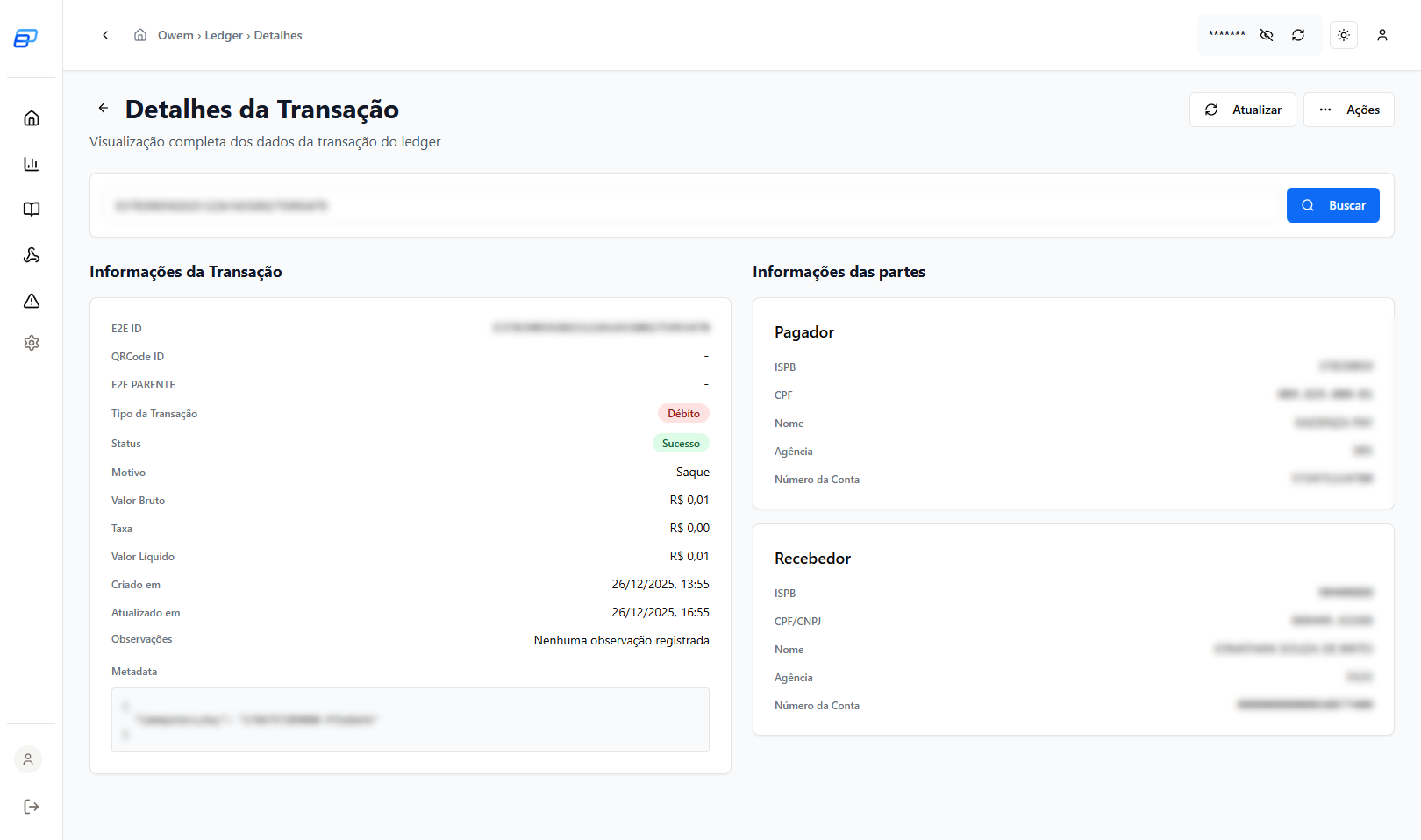
Ledger (Statement)
The Ledger is the complete statement of all movements in your account.
Features
- Filter by operation type (credit/debit)
- Filter by period
- Search by EndToEndId or ExternalId
- Export for reconciliation
Webhooks
Configure webhooks to receive real-time notifications about events in your account.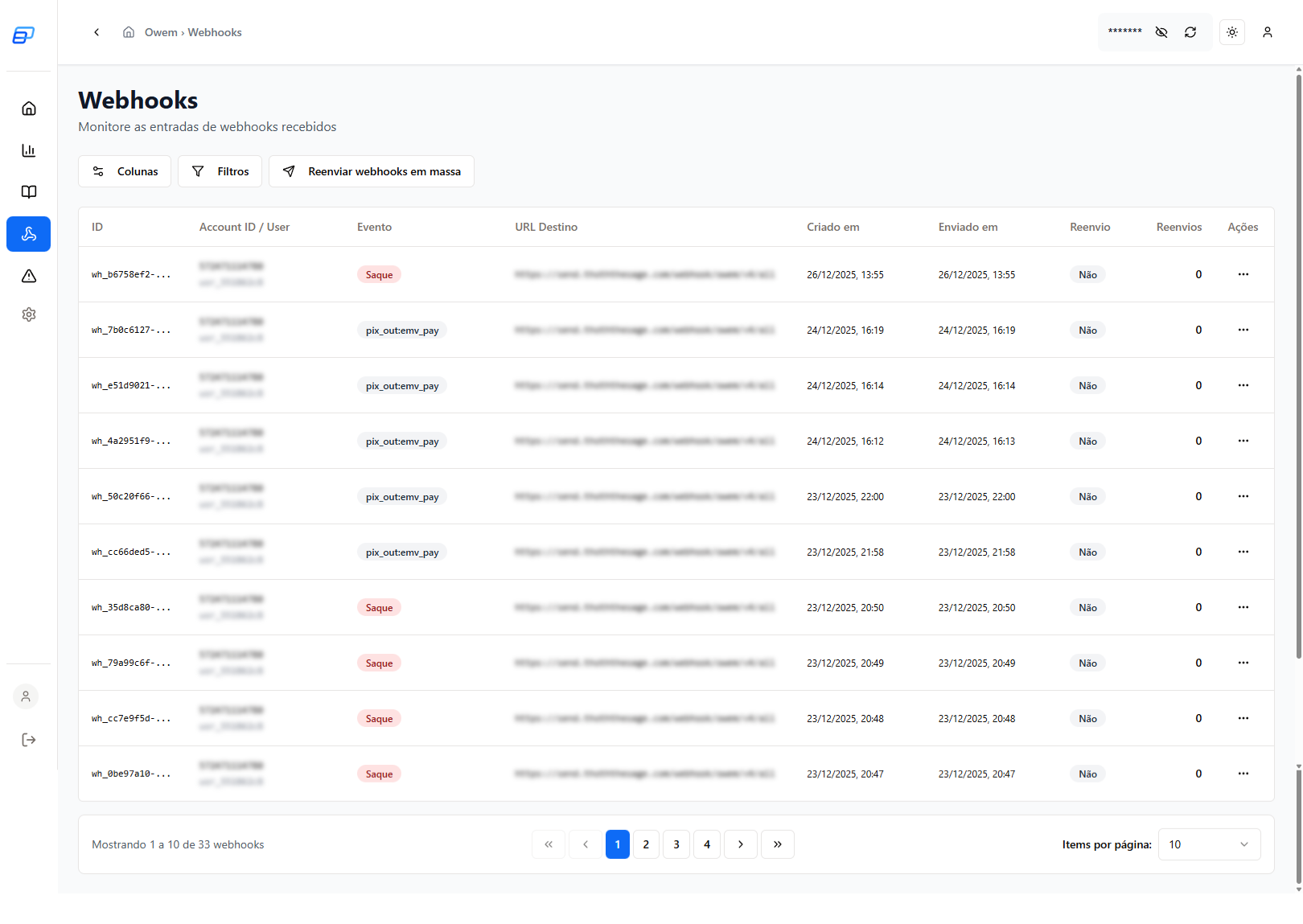
Configure Webhook
Click on a webhook to edit its settings: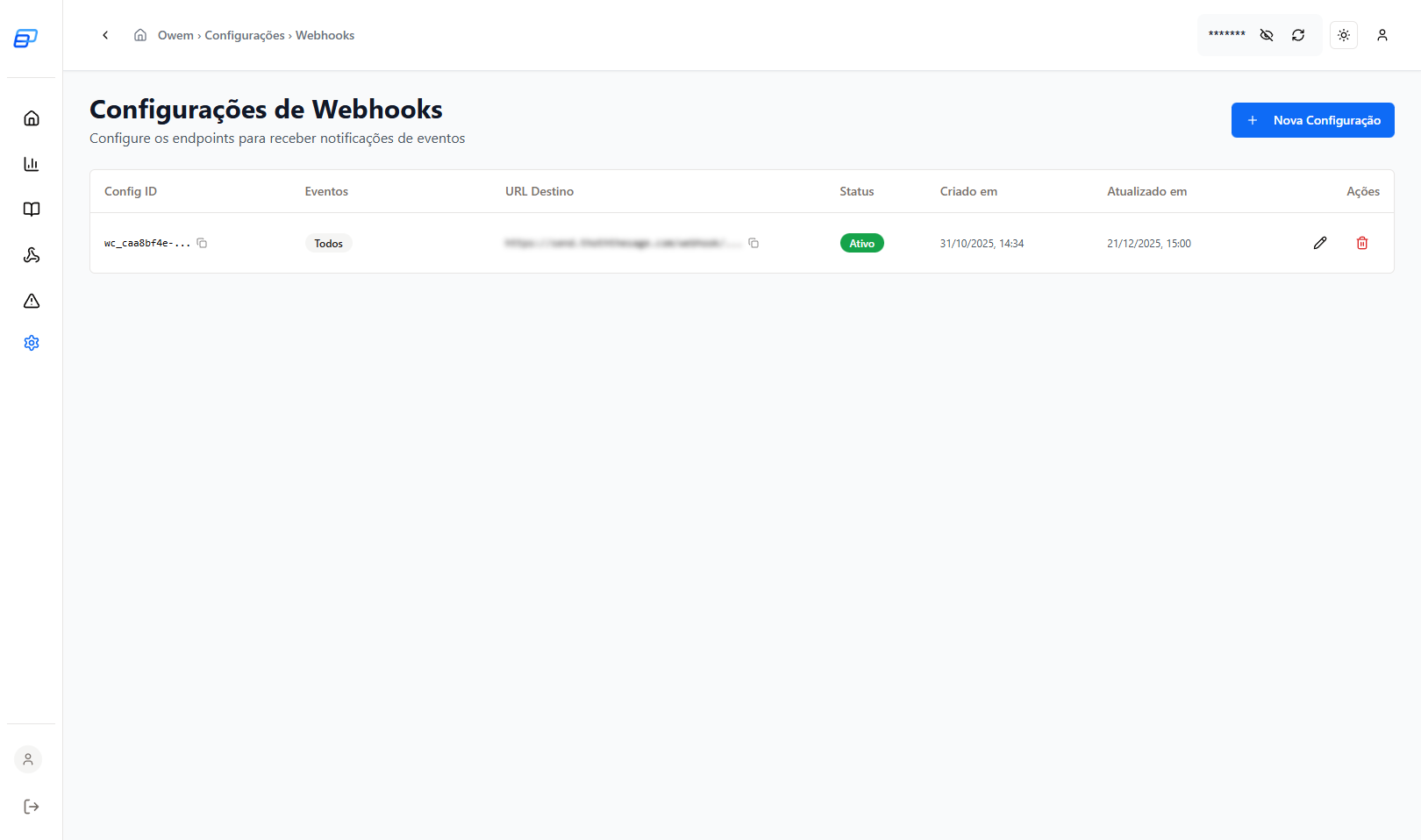
Edit Webhook
Change the destination URL, events, or authentication: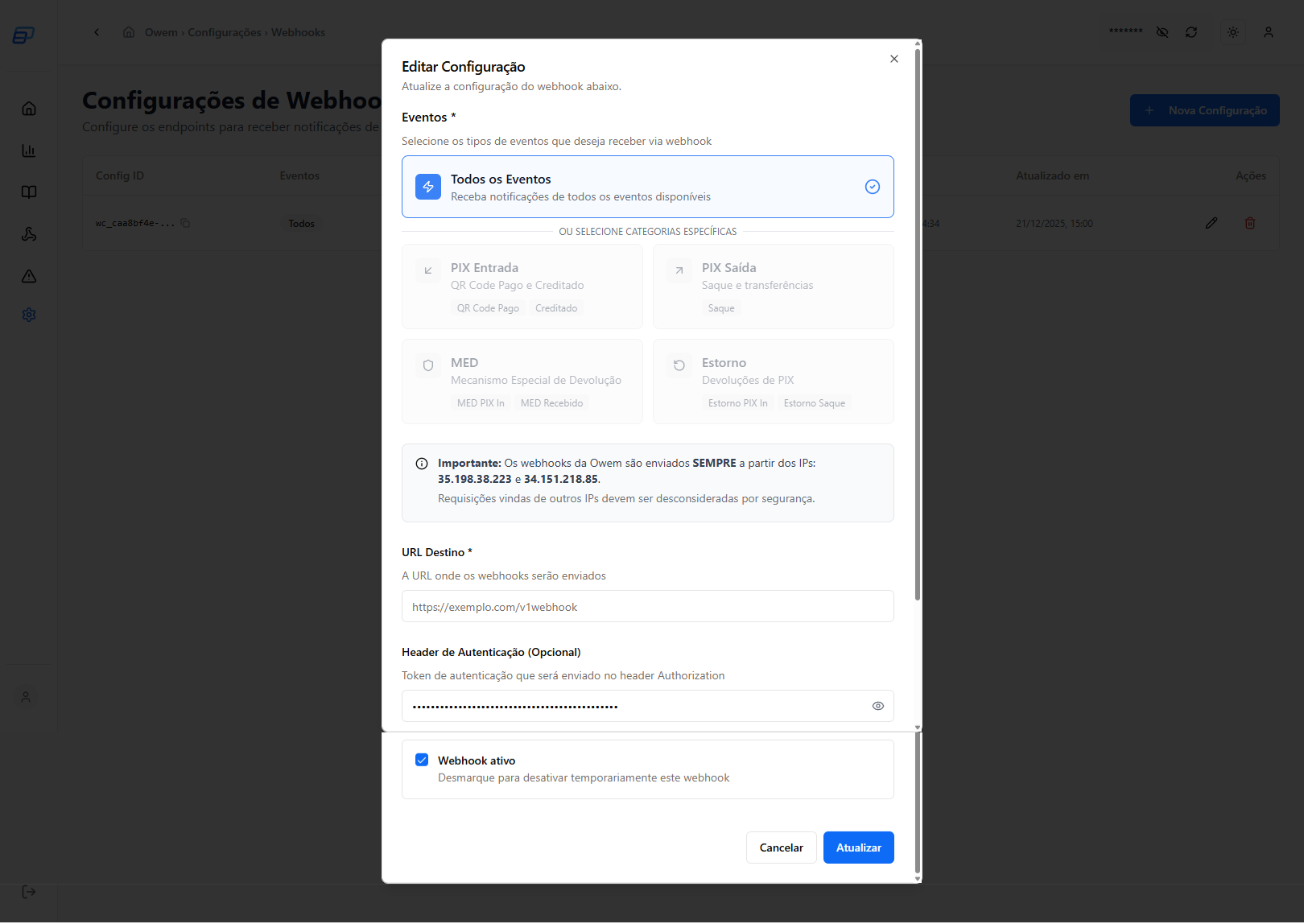
MEDs
View and manage received MEDs (Special Refund Mechanism).
Features
- View MED details
- Check defense deadline
- Submit defense with documents
API Credentials
Manage your API credentials for integration.
Change Production IP
To change the allowed IP in production: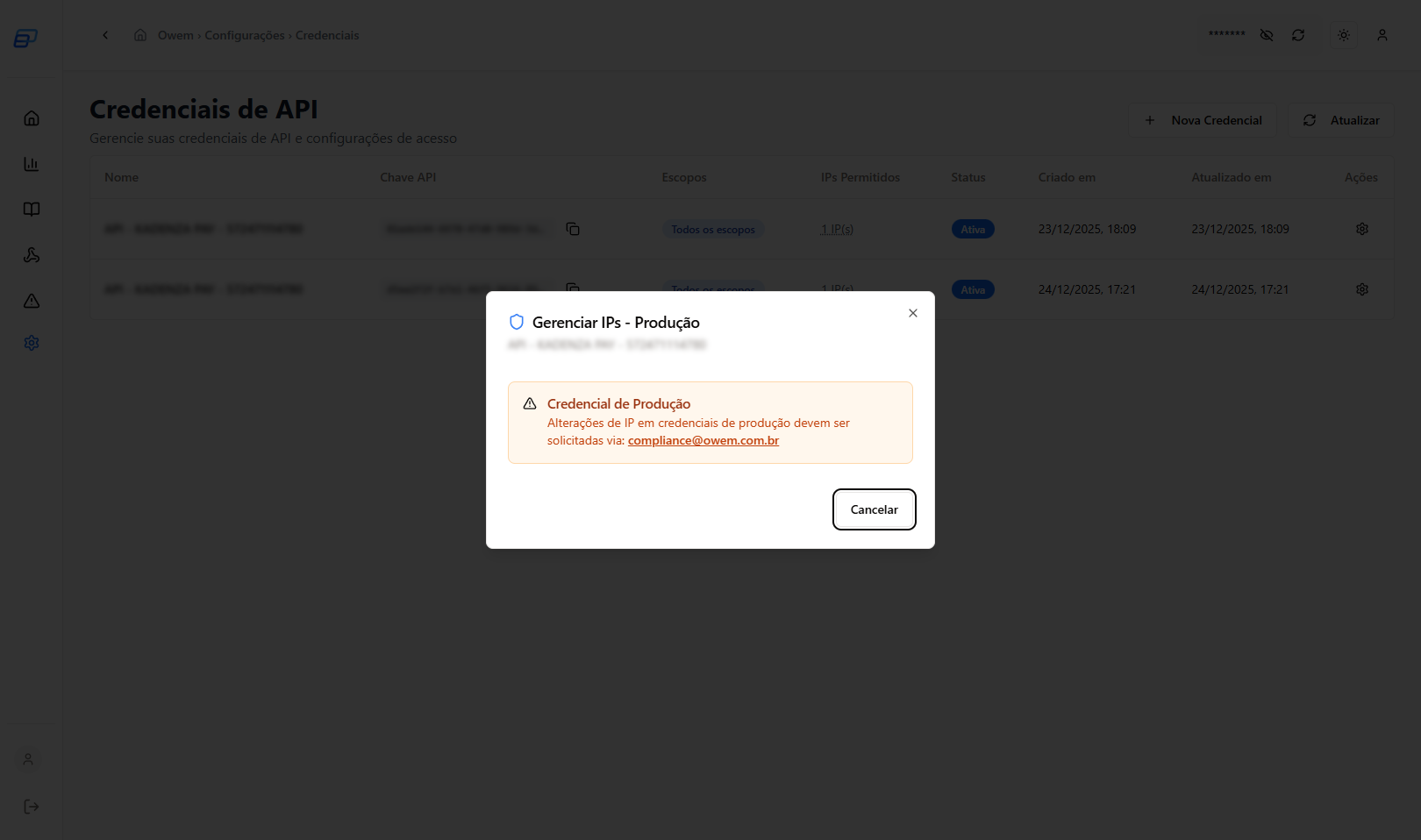
Delete Credential
When deleting a credential, you will need to confirm:

Fees
Check the fees applied to your operations.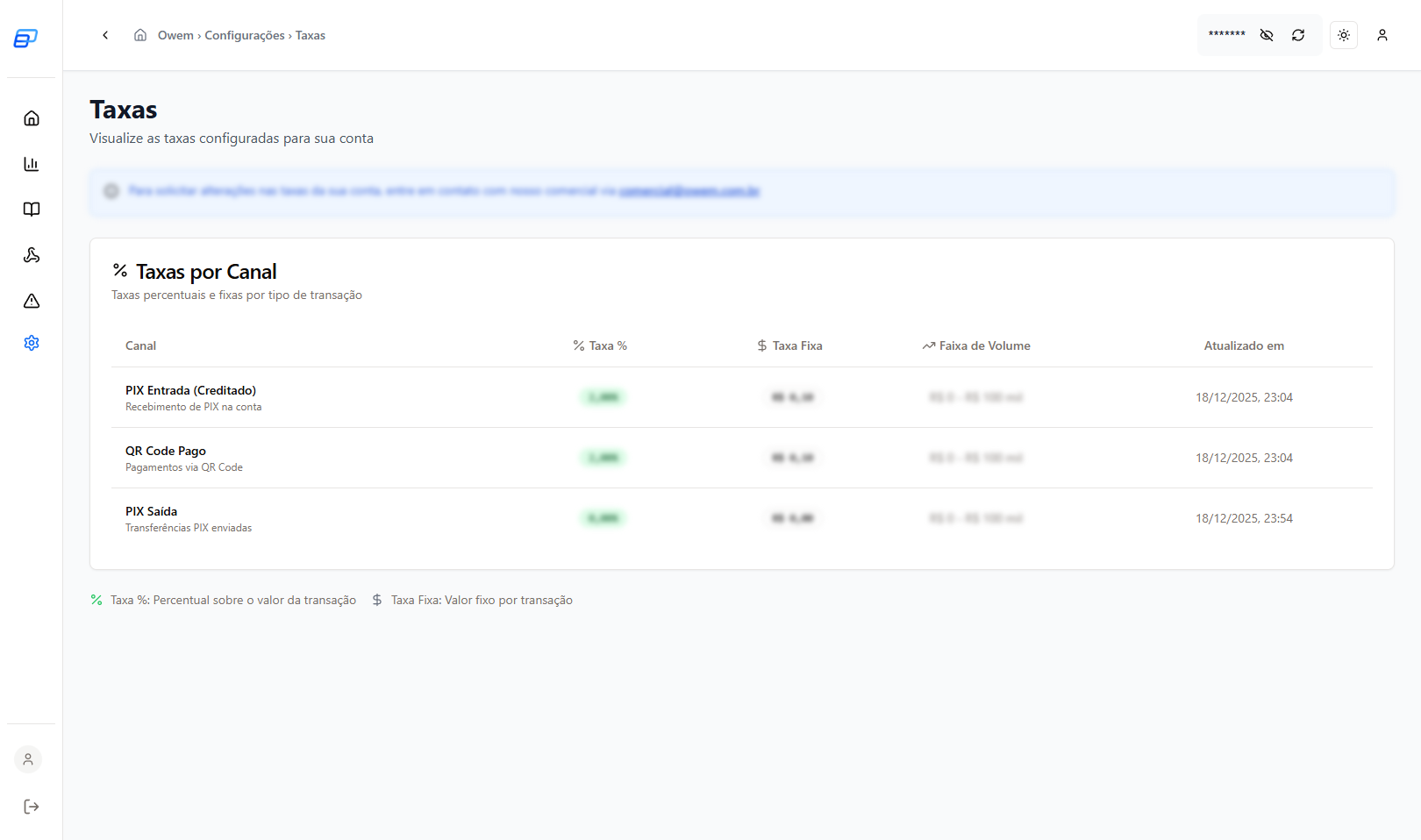
Limits
View the operational limits of your account.
Types of Limits
- Per-transaction limit: Maximum value per operation
- Daily limit: Maximum value per day
- Monthly limit: Maximum value per month
To request limit increases, contact support: suporte@owem.com.br